Everything FocusFlow does,
one feature at a time.
A focus timer, tasks, progress, an on-device coach, widgets, and private sync. This page walks through each one and says which plan it is on.
Every feature, and its plan.
iPhone only| Feature | What it does | Plan |
|---|---|---|
| Focus timer | A wall-clock timer with 14 ambient backgrounds, 10 themes, 11 focus sounds, and a length picker. Tap the orb to begin. | Free |
| Live Activity and Dynamic Island | The running session on your Lock Screen and in the Dynamic Island, honest to the minute. | Free |
| Tasks | Reminders, recurring dates (daily, weekly, or chosen weekdays), alert offsets, and notes. | Free |
| Presets | Saved sessions you can schedule or start in one tap. Turn any task into a preset. | Free |
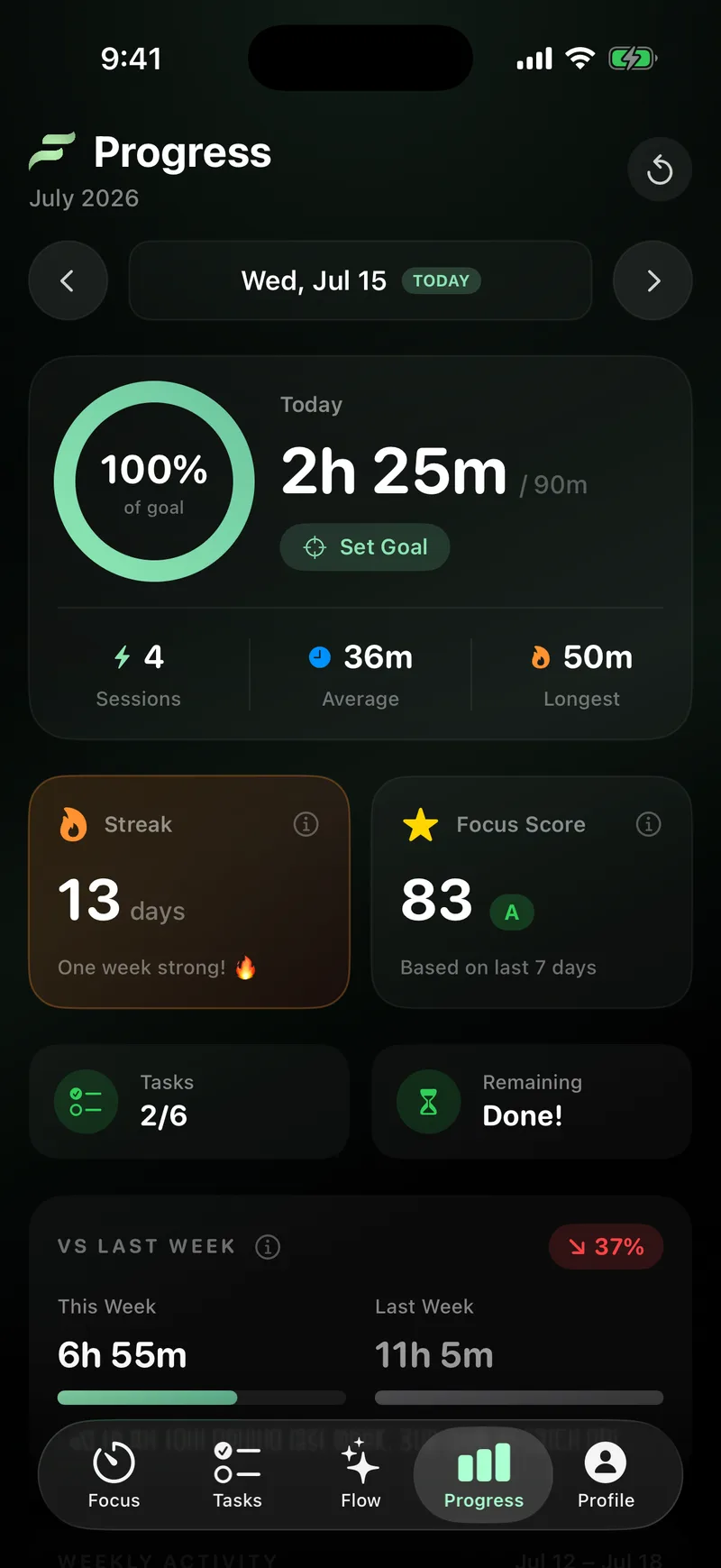
| Progress | A daily goal ring, streaks, XP across 50 levels, a focus score, week over week, and badges. | Free |
| Flow AI | An on-device focus coach that plans your day and answers questions. Runs on the phone, not a server. | Pro |
| Widgets | Home Screen and Lock Screen widgets showing today's focus, streak, and goal. | Pro |
| Private sync | Your sessions and tasks on your other devices, encrypted. Needs a sign-in. | Pro |
| Offline and private | The free app works fully offline with no account. Nothing leaves the iPhone unless you turn on sync. | Free |
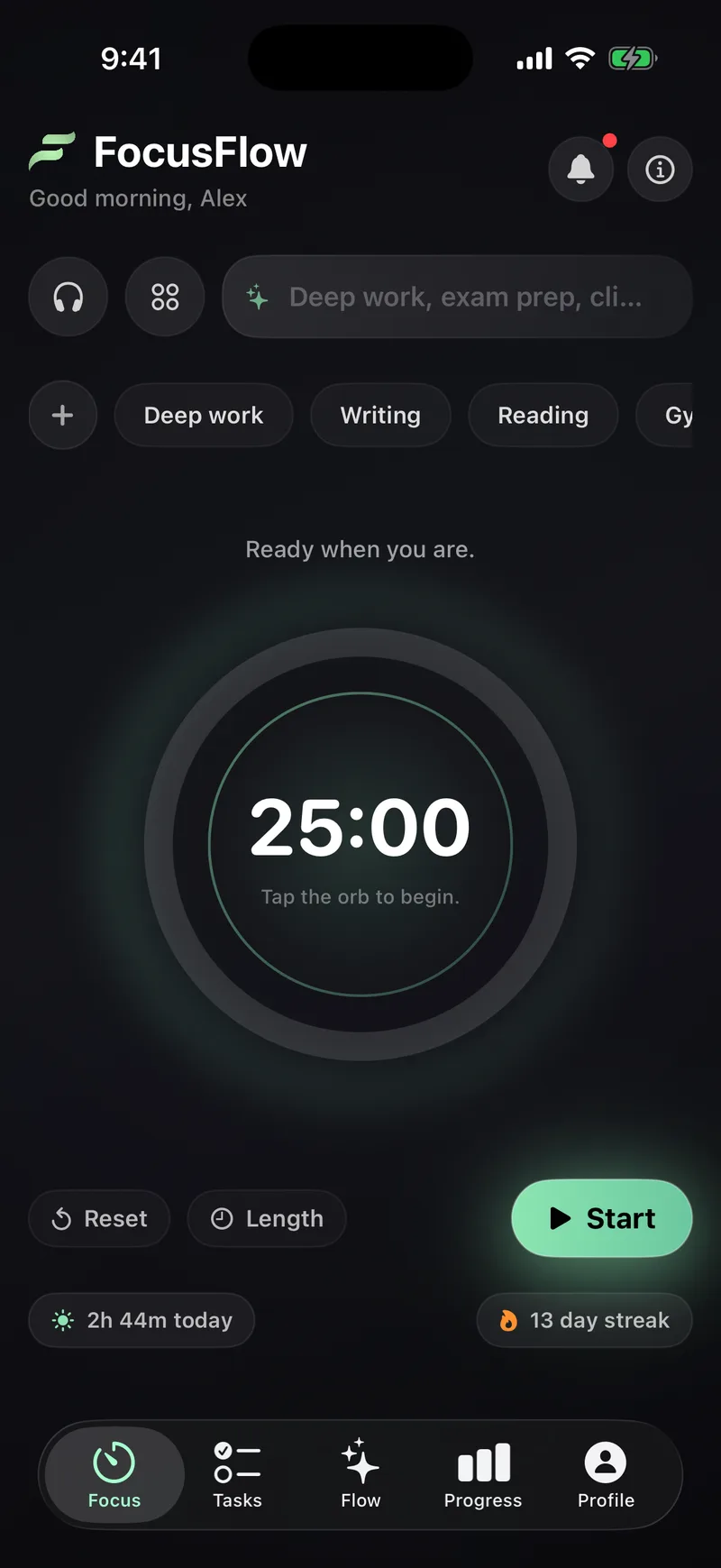
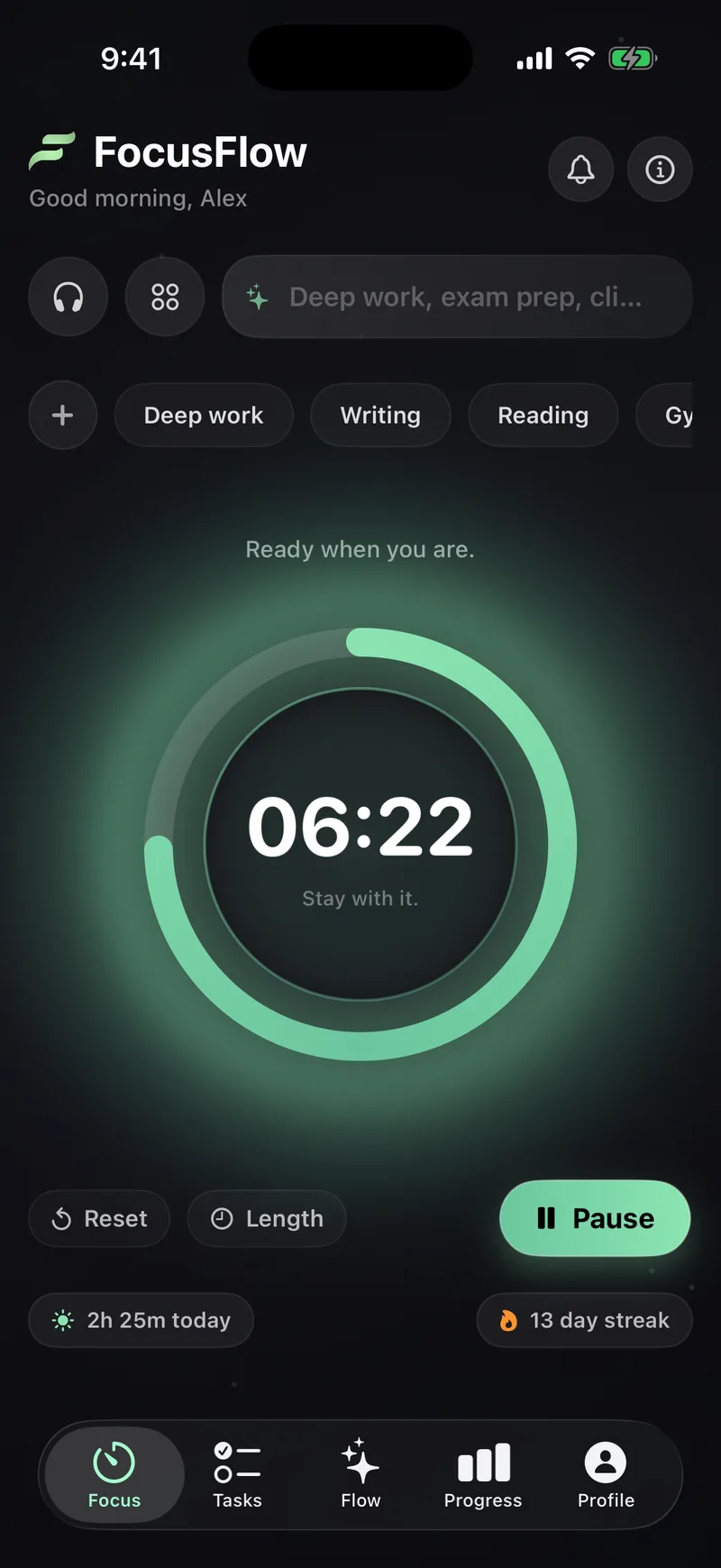
The focus timerFree
A timer that keeps real time.
Pick a look, set a length, and tap the orb to begin. The count runs on the wall clock, so a 50 minute session is 50 real minutes, whether the app is open or in your pocket.
Live Activity and Dynamic IslandFree
The session stays in view.
Once a session is running, it holds a place on your Lock Screen and in the Dynamic Island, counting down honestly to the minute. You do not have to reopen the app to check it.
The running timer sits on the Lock Screen, so a glance is enough.
On phones with it, the session lives in the island while you work elsewhere.
Tasks and presetsFree
Plan the day.
Start it in one tap.
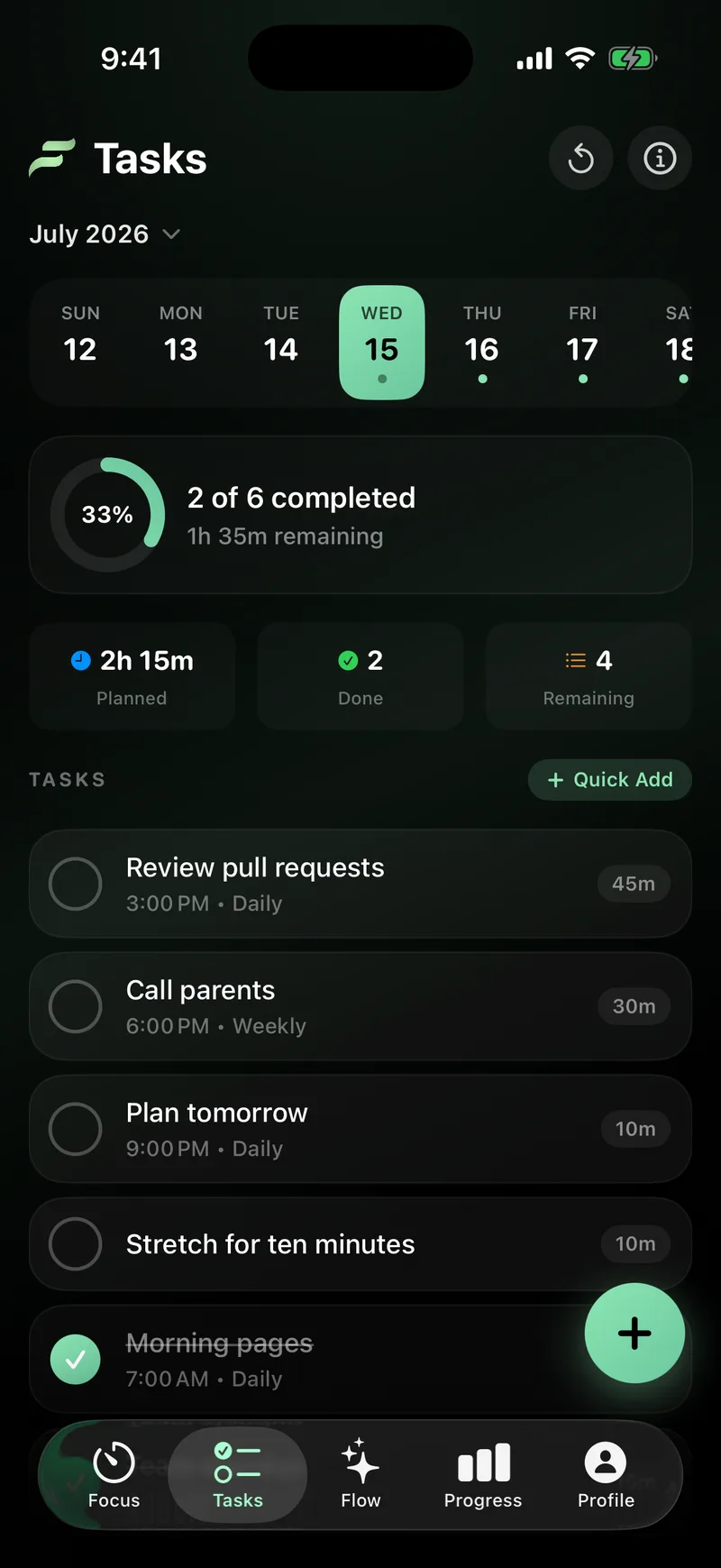
Tasks hold what you plan to do. Any task can become a timer preset, so the work starts in one tap instead of a setup step, and a preset can sit on a schedule for later.
Set an alert offset and the notification arrives that far ahead of the task, not after it is due.
Repeat a task daily, weekly, or on the weekdays you choose. Set it once.
Keep the detail with the task, so you know what it means when it comes back.
Send any task straight into the timer as a preset. No retyping.
ProgressFree
See what the sessions add up to.
Every finished session is recorded. You get a daily goal ring, a streak, a focus score built from your last seven days, and a week-over-week read. Every number comes from real sessions.
A focus score from your last seven days. This one is 83, an A, exactly as it reads on the Progress screen.
Levels, streaks, and badgesFree
Showing up, kept on the record.
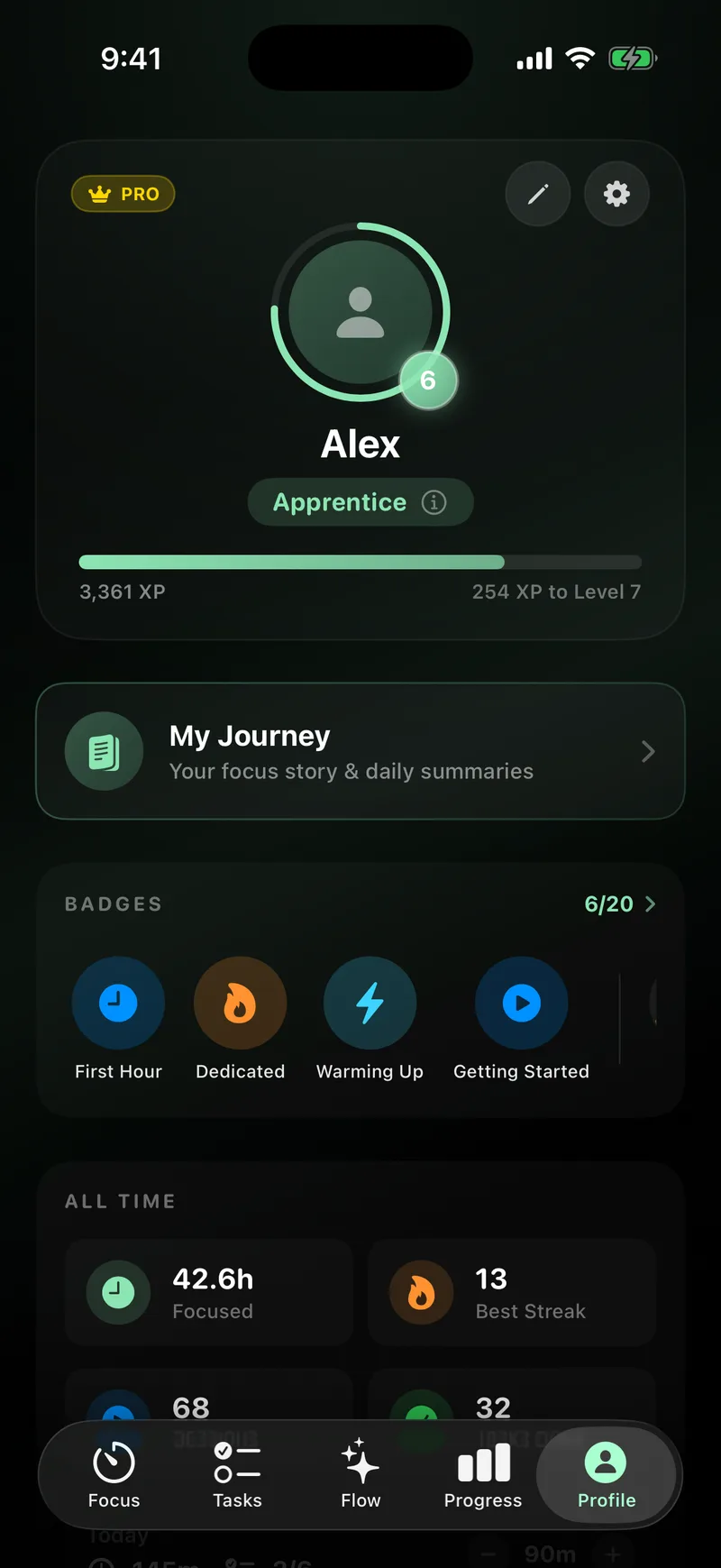
Every session earns XP toward the next of 50 levels, keeps a streak going, and unlocks badges at milestones. There is no shortcut. Sessions are the only way up.
A week of focus. Each day you show up, the streak grows. Today is marked.
The free plan is the whole app.
Pro adds three things.
Everything above is free forever, offline, and needs no account. Pro adds Flow AI, widgets, and private sync. It is optional, and it stays optional.
Flow AIPro
A focus coach that runs on your iPhone.
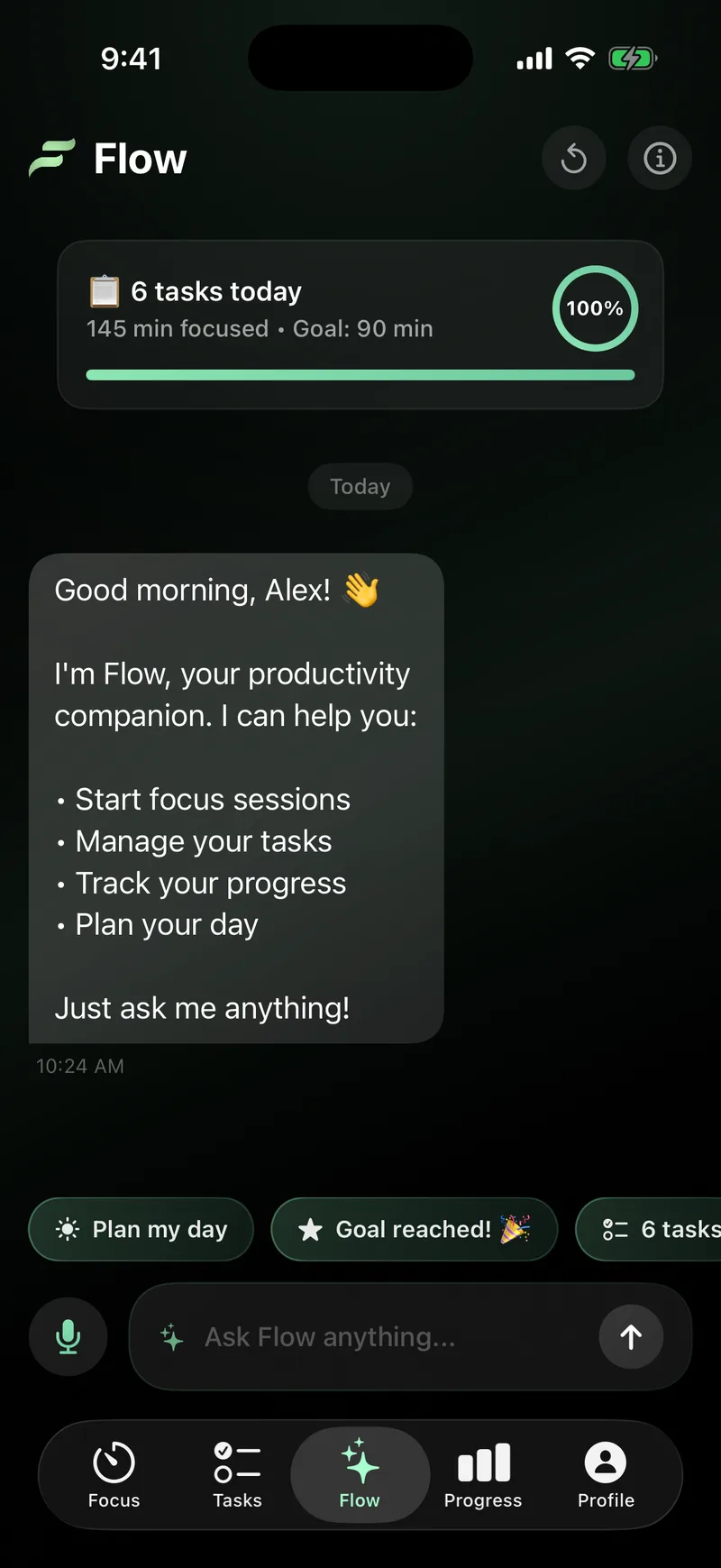
Flow AI reads your session history, plans your day, and answers questions about it. It runs entirely on the device. Nothing is sent to a server.
Flow AI is part of Pro. It suggests when to start, how long to work, and when to rest. Your history is read on the phone and stays there.
WidgetsPro
Your day, without opening the app.
Widgets put today's focus, your streak, and your goal on the Home Screen and the Lock Screen. These are live mocks of what they show.
Private syncPro
The same focus on your other devices.
Turn sync on and your sessions and tasks appear on your other devices, encrypted. It needs a sign-in, and it is off until you switch it on.
Private by default.
FocusFlow works fully offline with no account. Nothing leaves your iPhone unless you turn on sync. Sync is encrypted and needs a sign-in. Your data is never sold.
All of it, on iPhone
Start with the free plan.
The timer, tasks, and progress are free forever, offline, and need no account. Flow AI, widgets, and sync are Pro.